
Start now with a free security check
Quick, simple, and built by experts. In less than half a minute, get a personalized recommendation to protect your identity and peace of mind.
By providing your number and requesting a security check, you agree to receive a message from Lifeguard for verification and to receive your security check results. You agree you are entering a number owned only by you, and to receive a verification code. Subject to Lifeguard's Terms of Service and acknowledge the Privacy Policy. Message and data rates may apply.



Welcome
Wendy Peffercorn

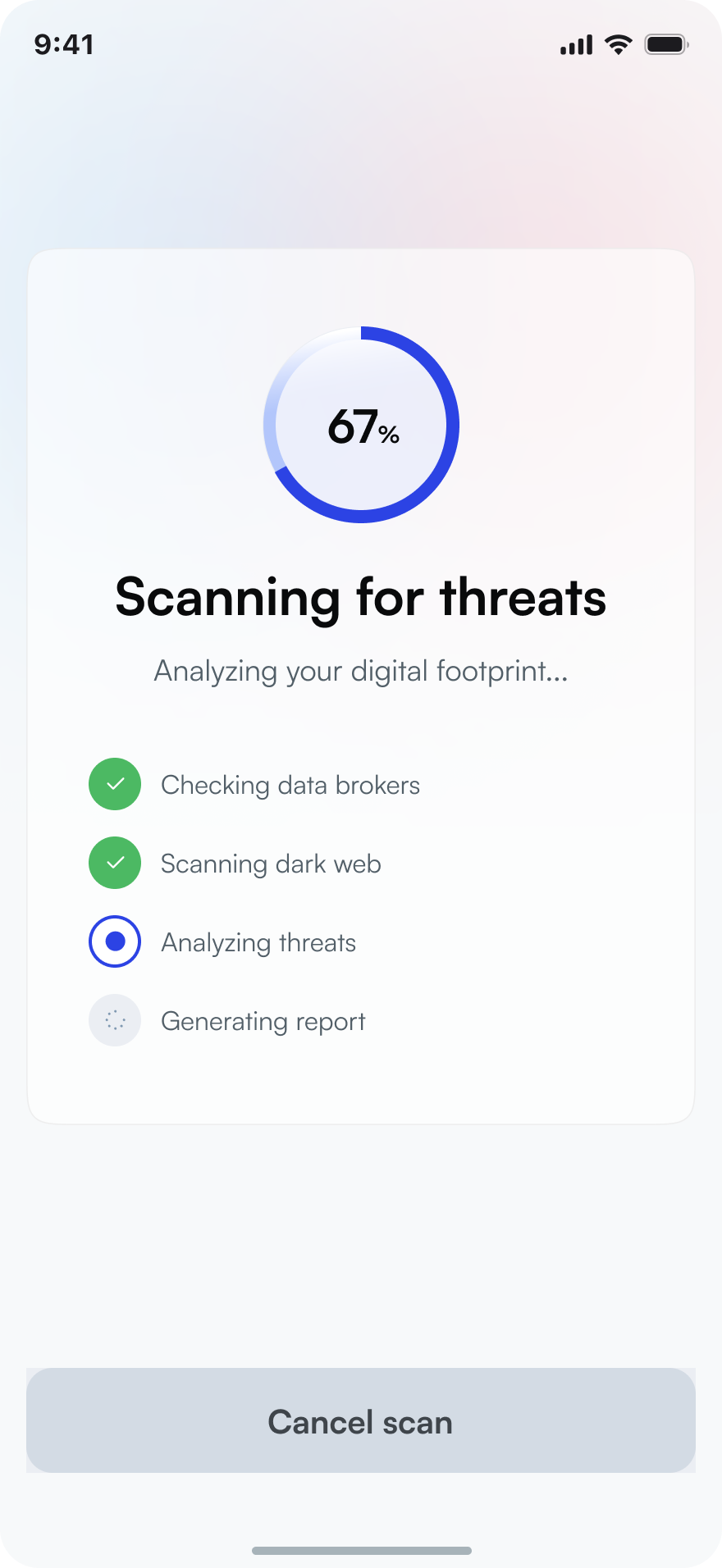
Scanning for threats...
Analyzing your digital footprint
0%
Welcome
Wendy Peffercorn
Chats
+1 (555) 0183
12:14URGENT: Your Social Security has ...
Mom
11:16Hope you're having a great day! Lov...
IRS
10:32You owe back taxes. Pay now to av...
FedEx
9:28Your delivery is delayed due to an a...
Lifeguard
Active
3 steps to know your risk
No downloads. No credit card. Just answers.
1. Enter your phone number for a free scan
We search 200+ data breach databases and dark web markets for your exposed information.

2. See what's exposed
Get a clear report showing passwords, addresses, phone numbers, and financial data tied to your identity.

3. Remove Your Data
Receive personalized steps to secure your accounts and prevent scammers from using your data.
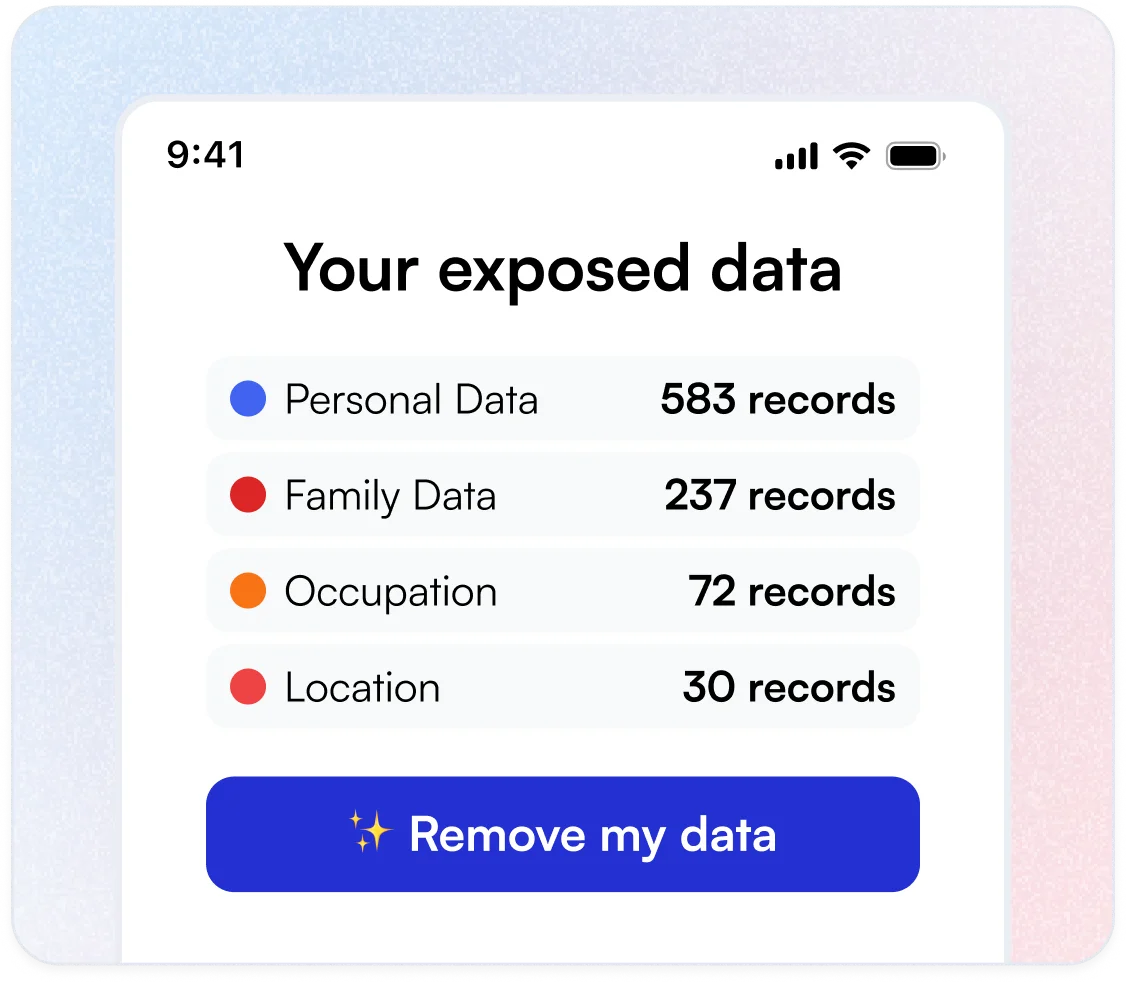
A complete picture of your digital exposure
Most people have no idea how much of their personal information is already in the hands of scammers.
Dark Web Monitoring
We scan underground marketplaces where stolen data is bought and sold.
Data Breach Detection
Check if your credentials appear in any of the 500+ known breaches we track.
Password Exposure
See which of your passwords have been compromised and need immediate change.
Financial Data Leaks
Discover if credit card numbers or bank info connected to you are circulating.
Phone & Address Exposure
Find out if scammers have your contact info for phishing attacks.
Frequently asked questions
Is this scan really free?
Yes. The initial scan is completely free with no credit card required. You'll see exactly what data is exposed before deciding if you want ongoing protection.
How does the free security scan work?
When you sign up, we run a scan across hundreds of known data breach databases to see if your personal information (like email addresses, phone numbers, passwords, or even your date of birth) has been exposed.
You'll see a clear summary of what was found and where, along with steps you can take to secure your accounts. It only takes a moment, and there's no obligation.
Is my information safe with Lifeguard?
Yes. Lifeguard only accesses the information you give it permission to monitor. Your personal data is never sold or shared. When we display sensitive information like dates of birth from scan results, we partially obscure it for your privacy.
What does Lifeguard protect me from?
Lifeguard helps protect you and your family from the most common online threats targeting older adults - phishing emails, scam texts, spam calls, identity theft, and data broker exposure.
We monitor your email inbox for suspicious messages, scan the dark web for your personal information, screen unknown phone calls and text messages with AI, and help remove your data from sites that sell it.
Think of it as a safety net that watches for trouble so you don't have to.
Do I need to be tech-savvy to use Lifeguard?
Not at all. Lifeguard is designed to be simple enough for anyone to use. The setup walks you through each step, and the tools work in the background so you don't need to manage anything day to day. If you ever have a question, our AI security assistant can help explain things in plain language.
How does Lifeguard reduce spam calls and texts?
Lifeguard gives you an AI-powered call screener that answers unknown calls on your behalf. It asks the caller who they are and why they're calling, then decides whether to connect the call to you or end it.
Legitimate callers, like your doctor's office, a delivery driver, or a family member, always get through. Scam calls that use pressure tactics, demand payment, or ask for personal information get blocked.
For texts, Lifeguard filters spam messages on your iPhone before they ever reach your inbox.
Will Lifeguard block calls from my doctor or bank?
No. The call screener is designed to always transfer legitimate calls, including those from healthcare providers, banks, delivery services, schools, government agencies, and anyone who can clearly identify themselves and their reason for calling. Only calls with clear scam indicators are blocked, such as threats of arrest, demands for gift card payments, or requests for your Social Security number.
How does Lifeguard monitor my email?
Lifeguard connects to your Gmail or Outlook inbox and checks incoming messages for signs of phishing, scams, and fraud. When it spots something suspicious, it flags the message and explains the red flags in plain language. You stay in control of your inbox. Lifeguard just helps you see what to watch out for.
What should I do if my data is exposed?
After your scan, we provide a personalized action plan. This typically includes changing compromised passwords, enabling two-factor authentication, and setting up monitoring for future breaches.

Don't wait until you're a victim
The average person doesn't know they've been breached for 287 days. Find out in 60 seconds.